This planner uses simple rectangles to help you think about space. It cannot evaluate safe sleep, installation, emergency access, supervision, or product compatibility. Follow current guidance and each product's instructions before arranging real furniture.
Measure more than the length of the walls
Sketch the usable floor area, then mark door swings, closets, windows, outlets, fixed heaters, and anything that cannot move. A rectangular outline is only a starting point: an alcove or an inward-opening door can make the usable space smaller than the overall dimensions suggest.
Measure furniture at its widest and deepest points. A reclining chair needs more room in use than when upright; a dresser needs room for its drawers to open. Record those extra spaces separately instead of assuming the rectangular footprint includes them.
Try a simple layout
All measurements below are in inches. The starter rectangles are illustrative dimensions, not product specifications or recommended clearances. Enter your measurements, select an item, and use its position controls. You can also drag it or use the arrow keys while it has keyboard focus.
Enable JavaScript to move the example furniture. You can still use the measurement guide below.
Layout positions stay in memory only and reset when you reload. The tool checks rectangle overlap and room boundaries only. “No overlap” does not mean an arrangement is safe.
Walk through three everyday tasks
Put supplies away
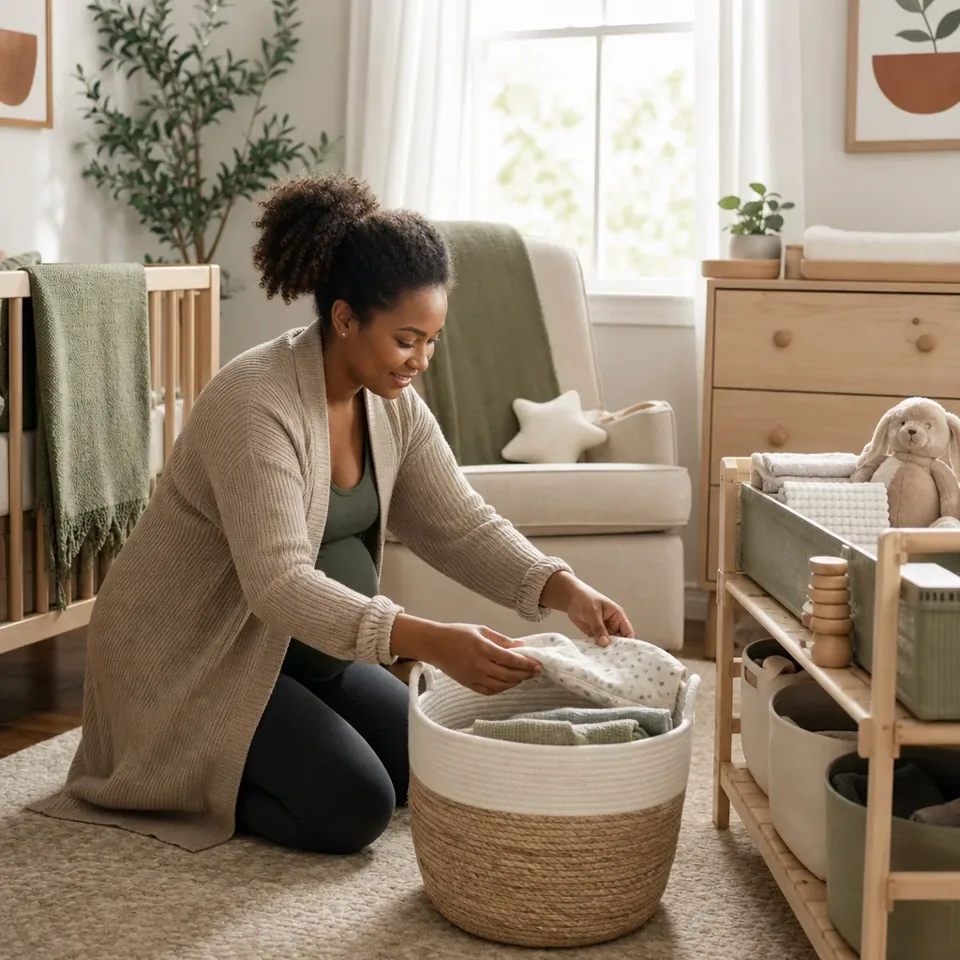
Picture carrying a basket of clean clothes into the room. Can you reach the right drawer and open it? Keep frequently used items together rather than distributing them across decorative storage.
Change the arrangement
Imagine needing to move or remove a piece of furniture. Is the exit route practical? Does something have to be dismantled? Plan for change rather than filling every available gap.
Clean the space
Check whether you can reach the floor and the areas around furniture. A plan that looks balanced from above may be awkward to maintain in person.
What this drawing cannot check
A top-down drawing does not show reachable cords, a piece of furniture that can tip, a changing surface's compatibility, or whether a sleep product is appropriate. Review the CPSC safe-sleep guidance and product recalls, and follow the exact manufacturer's instructions. The CPSC emphasizes an appropriate firm, flat sleep surface and keeping the sleep space free of soft bedding.
Once you have a draft, measure it in the actual room and check every moving part. A person with relevant expertise should review safety questions; this tool deliberately does not display a “safe nursery” score.
Use the registry planner to separate useful arrangements from optional purchases. Start with the room you have, then buy only what solves an identified need.
Make a scale sketch you can challenge
Illustrative dimensions · replace with your measurements
A 10-by-12-foot room is more than 120 square feet
That room measures 120 by 144 inches. A 30-by-54-inch rectangle might fit in the drawing, yet a door swing, projecting handle, or an open drawer can still make the arrangement awkward. Add moving parts to the paper sketch before treating unused floor area as available storage.
The tool’s starting furniture sizes are examples. Copy dimensions from the actual product information, measure the widest points, and confirm the arrangement in the real room. The room’s area alone cannot establish suitable placement.
Decide what does not need to be in the nursery
Separate supplies used during a task from reserves used to refill them. A compact working supply of clothes can live close to where you dress your baby, while extra sizes can live elsewhere. Make the distinction visible so another caregiver does not need to search several bins.
Try an evening walkthrough with empty hands first, then with an ordinary basket or bag. Notice whether you have somewhere appropriate to put belongings, reach supplies, and open doors without rearranging the room. Keep hazards, cords, tipping risks, and equipment instructions in a separate check; convenience is not proof of safety.
Think through monitors and humidifiers separately
A camera adds a device, cord, power source, account, and maintenance routine to the room. The FTC’s camera security guidance explains software updates and account protections. Check those arrangements before relying on connected features. The FDA warns about baby products making SIDS-prevention claims; a monitor does not replace safe-sleep practices.
A humidifier adds a water reservoir and a cleaning job. Read the EPA’s home-humidifier care guidance and the exact unit’s instructions before deciding whether its maintenance is workable. This layout tool does not measure humidity or decide whether your baby needs a humidifier.
Make it your own
Room measurements and moving parts
Use the fields for your practical notes, then print a copy for the handoff. Entries stay on this page and reset on reload.
These fields do not save or send your entries. Avoid private health, access, or contact details. Without JavaScript, you can still fill in and print the page with your browser.
The basis for this guide
Sources & editorial notes
Primary sources support the health, safety, and technical statements linked above. Worked examples and household worksheets are practical illustrations prepared for this guide; they are not product tests.
- CPSC safe-sleep guidance
- product recalls
- FTC’s camera security guidance
- FDA warns about baby products making SIDS-prevention claims
- EPA’s home-humidifier care guidance
Revised October 8, 2026. No independent medical or specialist review is credited to this edition. Read our editorial standards.
Illustrative imagery accompanies our guides; it does not document testing, a reader’s home, or a clinical assessment.
Report a correction ↗